Your personal digital HQ.
Organize your digital knowledge in one place, and get personal agents that make custom apps and tools to fit your work and life.

Organize your digital knowledge in one place, and get personal agents that make custom apps and tools to fit your work and life.
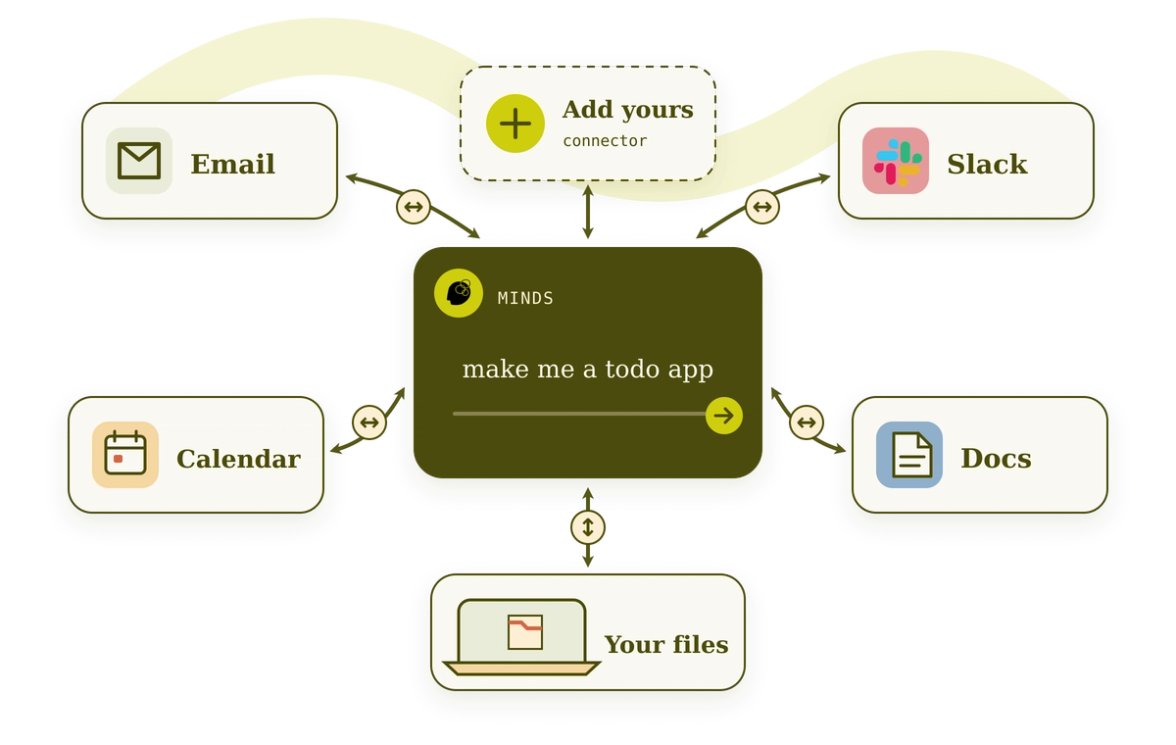
Your email, calendar, docs, Slack, messages, files — anything you already use — all in one place.
Chat with Mind about your problem, and it'll make personalized tools, workflows, and apps for you.
Use apps immediately on your computer or phone. Schedule routines, like "Every morning, suggest next steps for my TODOs."
Run agents and edit apps 24/7, even when your computer is off.
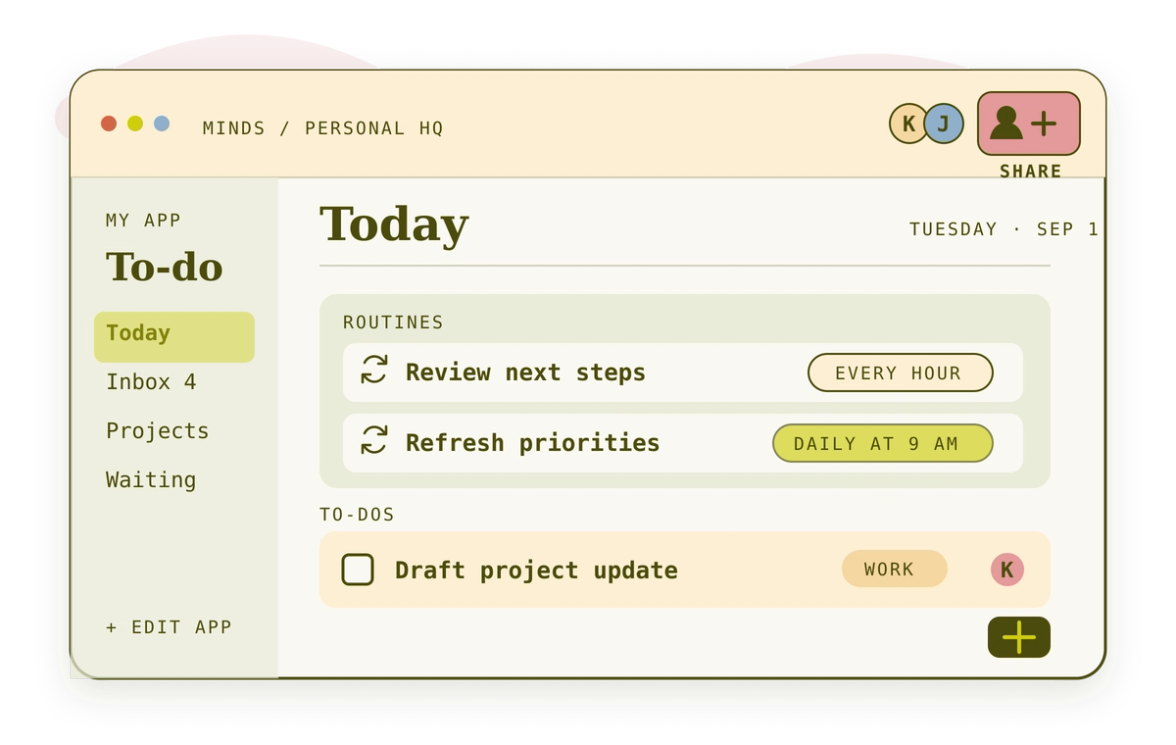
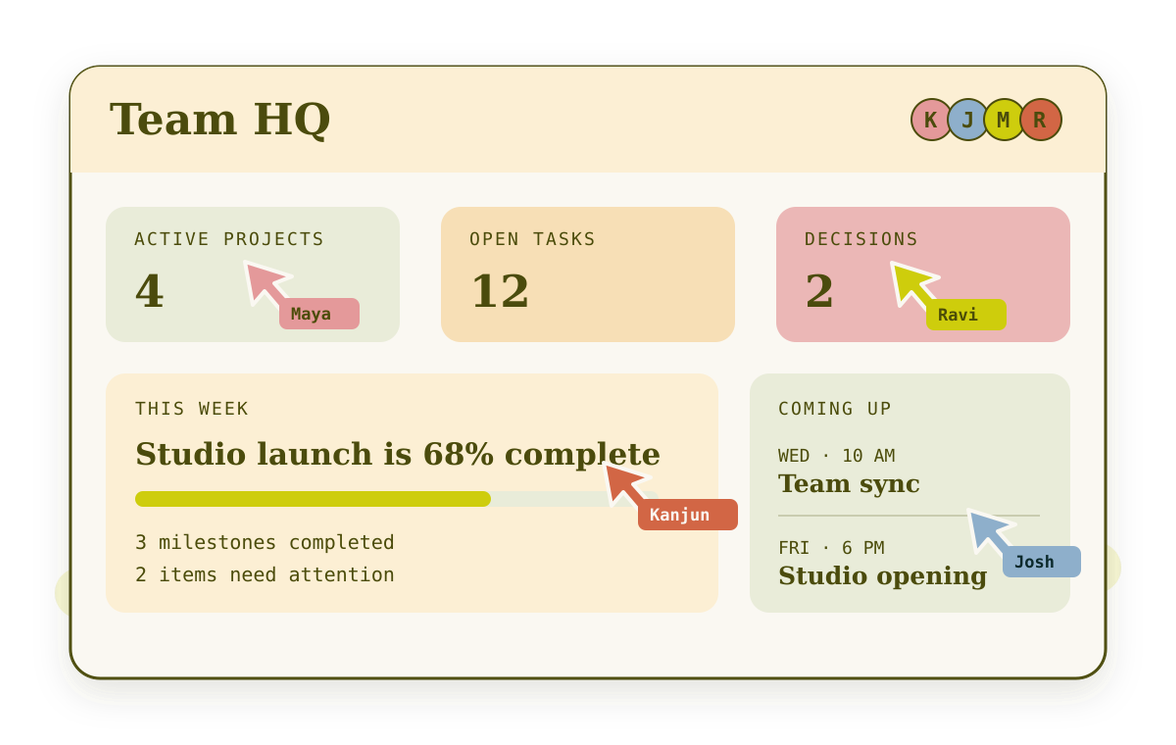
Use personalized AI to move your life, work, and community projects forward.
Reimagine your digital life, cultivated by you and the people you care about.
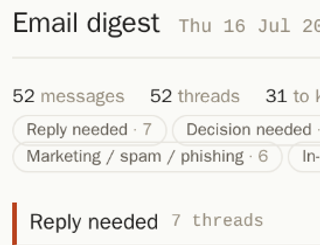
My email is overwhelming; I get 100s each day. I used Mind to make a custom email tool that shows me who I need to reply to and one-click unsubscribes and archives the cold outreach, notifications, and spam. My inbox has gone from 3700 emails to 40.

“I have a whole graveyard of dashboards that I’ve built with Claude Code and I just gave up. Mind actually got it.”
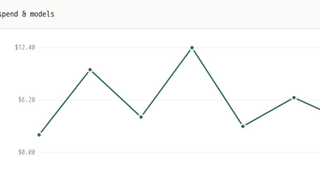
“When I migrated to Ramp, I was flipping between tools to look up how a given vendor was previously coded for each transaction. My Mind auto-codes all transactions for me by connecting to our P&L / Quickbooks, using AI to retrieve how similar transactions were categorized before."
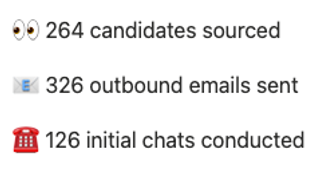
“It’s hard to keep track of recruiting candidates from different sources. I built a Greenhouse + Luma extension - my Mind pulls LinkedIn + emails from event attendees into our recruiting database.”
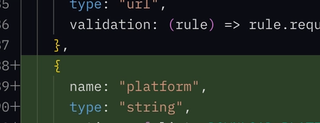
“I built my own code review tool in Mind that integrates with GitHub and JIRA. It actually fetches the code, renders it in a real editor, and runs code intelligence tooling on it, so I can double-click to see where a function is defined.”
“People love to talk about Notion as their second brain but a glorified Google doc just didn't reflect the way I truly think. My Mind is an everything tool that automatically integrates into my GCal, summarizes Slack into progress notes attached to each todo, all in a gorgeous aesthetic that feels like me.”

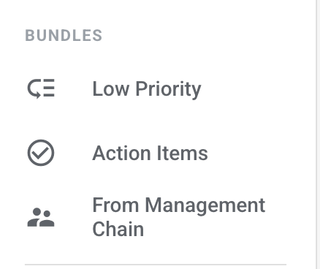
“I brought back Google Inbox in Mind, except it works with Gmail AND Slack. I made custom bundles and it auto-adds deadlines to my Google Calendar.”
Were you a diehard Claude fan, but recently found ChatGPT working better for your tasks? But it sucks to use because Claude has all your conversation context. Worry no more: if you work in Mind, you can switch out the model anytime, and use your subscription.
Our special connector tech protects you by giving agents very fine-grained access to other services — more so than the original service itself. Gmail only lets your agent “read everything” and “write, delete, manage everything” which is scary. Our connector permissions let you choose whether your agents can read, write, delete, or just label emails.
The world doesn’t need another chatbot. AI works best when it has access to your apps and files, without requiring you to hand over your data.
Mind is fully source available. The reason for this is we believe in Honest Software, transparency of the systems we rely on, and that you should always be able to inspect the software that you use, and hold accountable: does it meet the standards of would you be willing to build your digital life on top of this? We encourage, if this does not meet those standards, for you to bring that up.
To empower the user rather than take what is given to them.
This is a stance: we encourage all technology companies to make transparent how you are treating your users, and whether they get a say in that.
Mind is in beta - join the waitlist!
Currently, Mind wraps Claude under the hood, but we’re working on making open source models an option, so users aren’t reliant on the whims of Anthropic or OpenAI.
You could indeed build your tool with just Claude, without Mind. But Mind has already figured out hosting, Gmail/Slack/Calendar/Notion/GitHub/etc integration, and mobile access. Mind is worth trying if you want to just get something done and not worry about all of the details!
Mind is free and open source, you only bring the Claude subscription. Our hosting is cheaper than AWS.
Mind is set up as a Debian VM. If you self host, all data would be on your machine.
If you choose cloud hosting with Imbue, your Mind will run in a cluster owned and managed by Imbue. We do not view or use your data in any way.