Drafts from Imbue Studio: Systems of discovery, alternatives to doomscrolling, and rhizomes
- In this issue
- What’s new in Studio
- Shipped
- Coming soon
- Things we’re exploring
- Mapu’s systems for discovery
- On building systems for serendipity
- On using Studio for the thinking and writing process
- On creating something in Studio without being intimidated by the blank page
- On neurodivergence and iterating as part of her process
- On using Studio to connect with others
- On what’s next for Studio
- Nov 18 6pm · Personal Computing 2.0 Night: From Dream Machines to Reality
- A science project of sorts
In this issue
- Exciting new features in Studio. Studio can now build things faster compared to native Claude Code or Codex!
- We spoke to Mapu, author of Instead of Doomscrolling, about how she built a Studio to automatically generate connections from her saved snippets in Photos, email, notes, Are.na, and Sublime.
- And a dispatch of the latest events—inspired by Ted Nelson’s Computer Lib / Dream Machines, we’re hosting Personal Computing 2.0 Night: From Dream Machines to Reality. RSVP here!
What’s new in Studio
Shipped
Studio is now more powerful than ever! In the latest release, we’ve shipped:
- Syncing across devices: workspace and account state, and cloud connections for AWS, GCP, Azure and Modal, sync across devices. Share local folders with a workspace and keep a synchronized copy on its machine.
- 35 built-in connectors: AWS, Calendly, Claude, Coolify, Discord, Dropbox, Fastmail, Figma, Google (Analytics, Calendar, Directions, Docs, Drive, Gmail, Contacts, Sheets, Slides), GitHub, GitLab, Hugging Face, Linear, Mailchimp, ngrok, Notion, OpenRouter, Ramp, Sentry, Slack, Stripe, Tailscale, Telegram, Todoist, Umami, Yelp, Zoom.
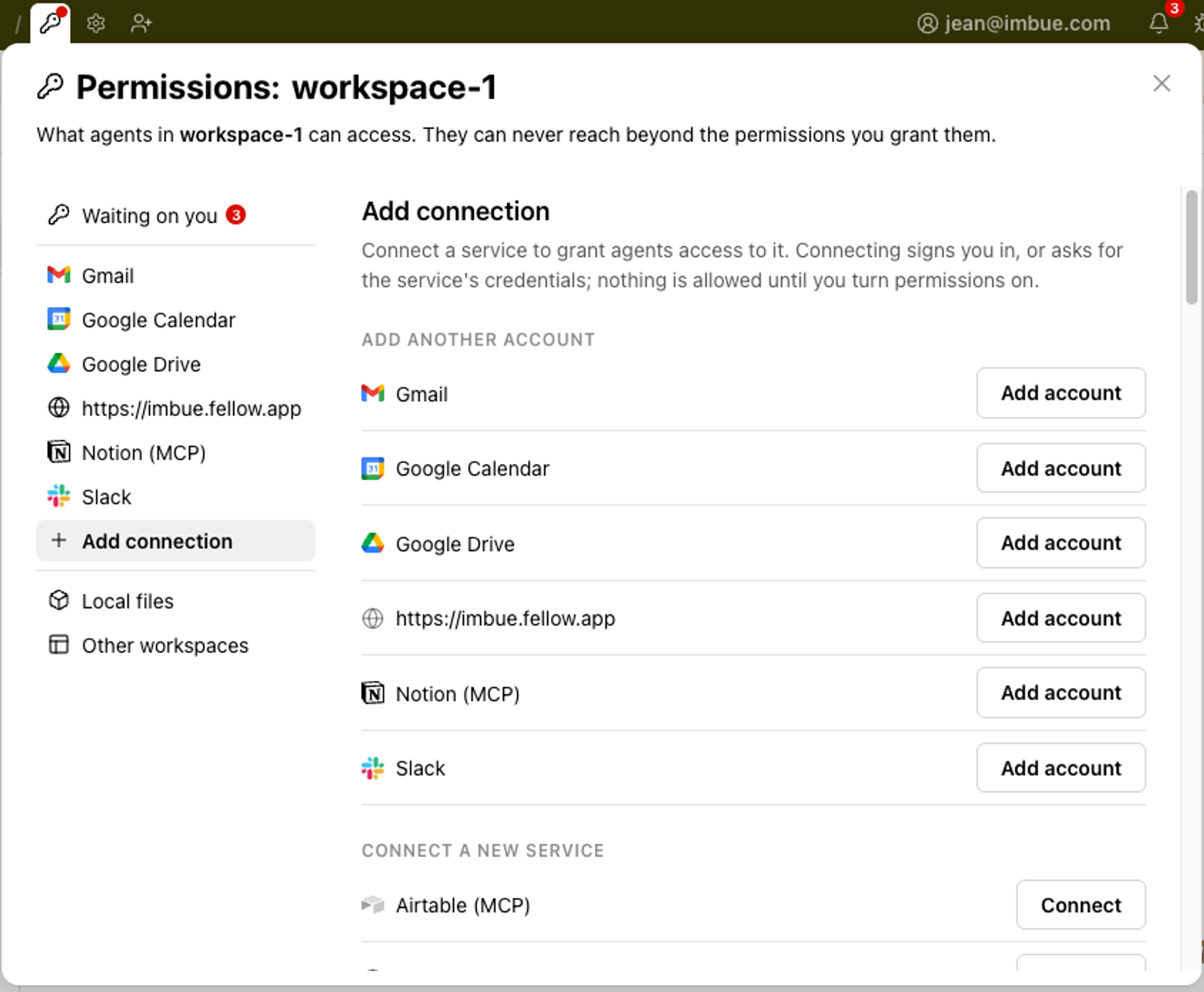
- For any service that Studio doesn’t have a connector for, you can create a custom connector by asking the agent to store credentials. Proxy through your desktop, for sites that block cloud servers.
- Local coding agents can drive Studio through a new imbue-studio skill plugin.
- Workspace apps can ask for microphone access.
- Agents run faster and now build things faster compared to native Claude Code or Codex (writeup with benchmarks forthcoming)
Coming soon
We’re hard at work on these things to look forward to:
- 20 new native connectors: Airtable, Any.do, Atlassian, Attio, Cal.com, TickTick, Trello, Fathom, Granola, Otter, Buildkite, Neon, Netlify, PostHog, Supabase, Vercel, Beehiiv, Canva, Gamma, InVideo, Linktree, Readwise, Webflow, Wix, PayPal, Peloton.
- Scheduled routines and tasks with the built-in Routines

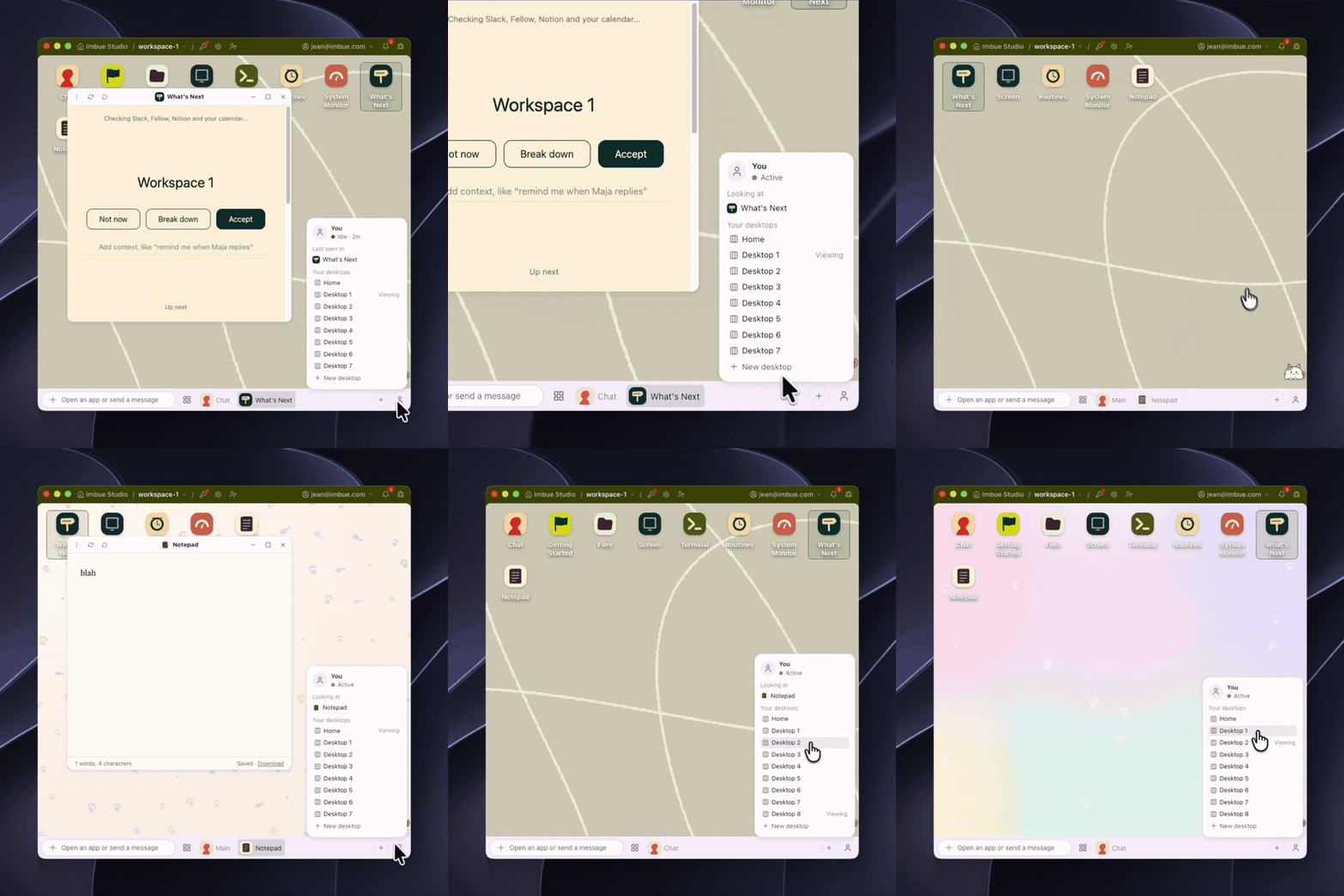
- You can use multiple desktops in the same Studio
- We’re improving the experience of sharing apps—mobile sharing with a QR code, a sharing panel, and faster sharing. We’re also creating a one-button Showcase and Publish flow to share your app to a community page with a creator profile.
- Grok build agent and xAI subscription support
- A multiplayer chat layout—have many people chat with one agent in the same workspace
- Cloud-capacity alerts and AI usage-cost tracking
- Voice input
- Framework for keyboard shortcuts
- Your apps will be able to make push notifications on both OS and phone
Things we’re exploring
- Ways of making it easier for you to get exactly the tool you want from your agents, with less prompting
- Mobile-compatible view
- Apps that have agents embedded within them
- Better design skills for your apps so the agent makes better designs off the bat
- Improved latency for apps that are built
- Being able to launch apps you make from your Mac desktop
- Being able to use Studio only from the web, without a desktop app
Mapu’s systems for discovery
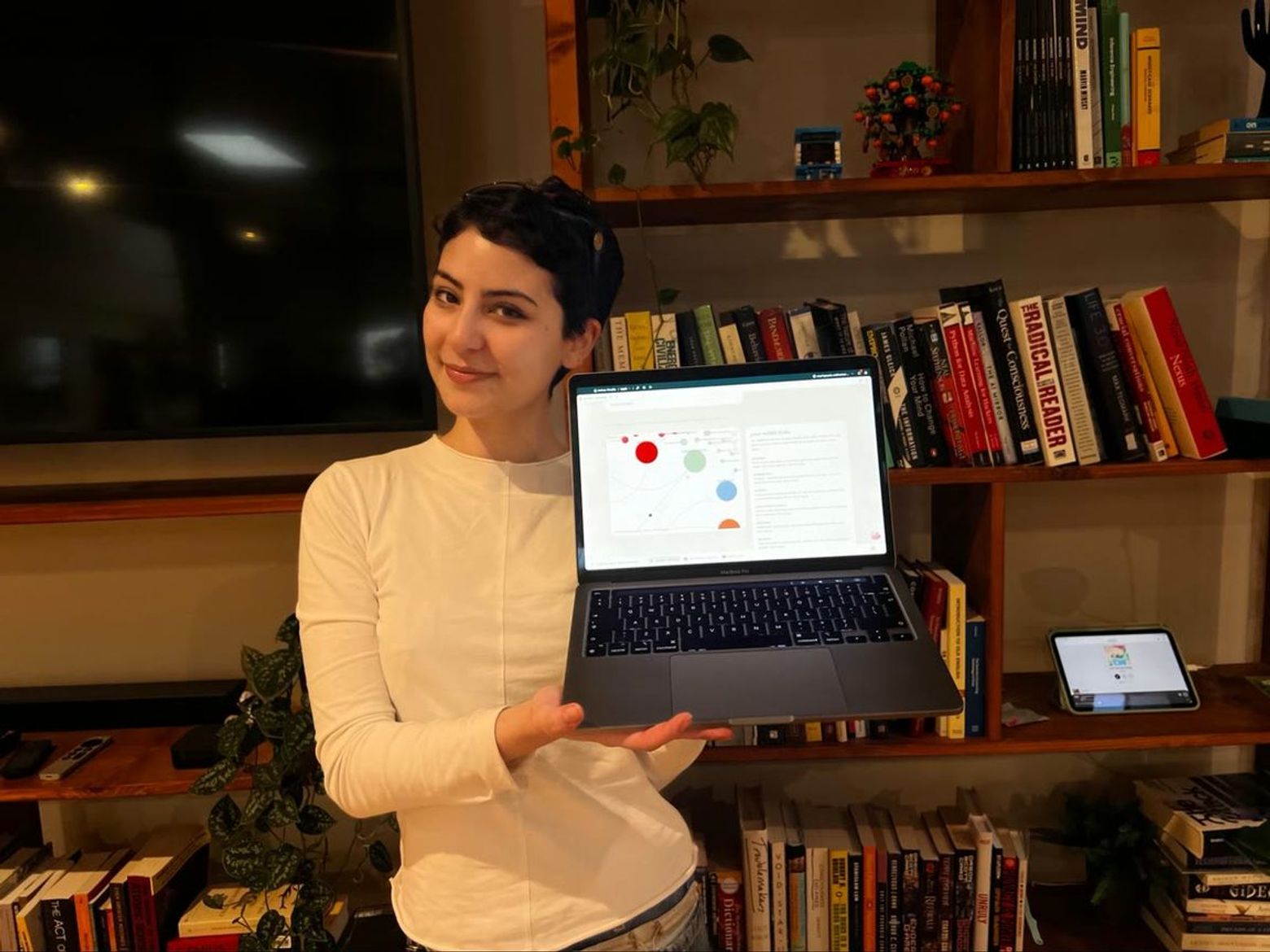
Mapu, a self-described “regular (extremely curious) person who had internet access, a very neurodivergent brain, and something to say,” writes about turning attention into creation on her Substack, Instead of Doomscrolling.
Here, Mapu and Imbuman Jean talk about following her curiosity, facing the blank page, and using Studio to create alternatives to doomscrolling.
On building systems for serendipity
Jean: I read a lot about the ways technology is trapping us right now, but something I personally struggle with a lot is how to come up with a solution.
Mapu: For me, it’s always about asking what the alternatives are. Once you start, you notice your needs. For me, I built a system for discovery.
Maybe I’m reading a book, and I see a reference to a philosopher or a musician. I’ll follow the trail of my curiosity, and save the things I find. It’s like a rhizome: there’s really no center, just a bunch of interconnected things.
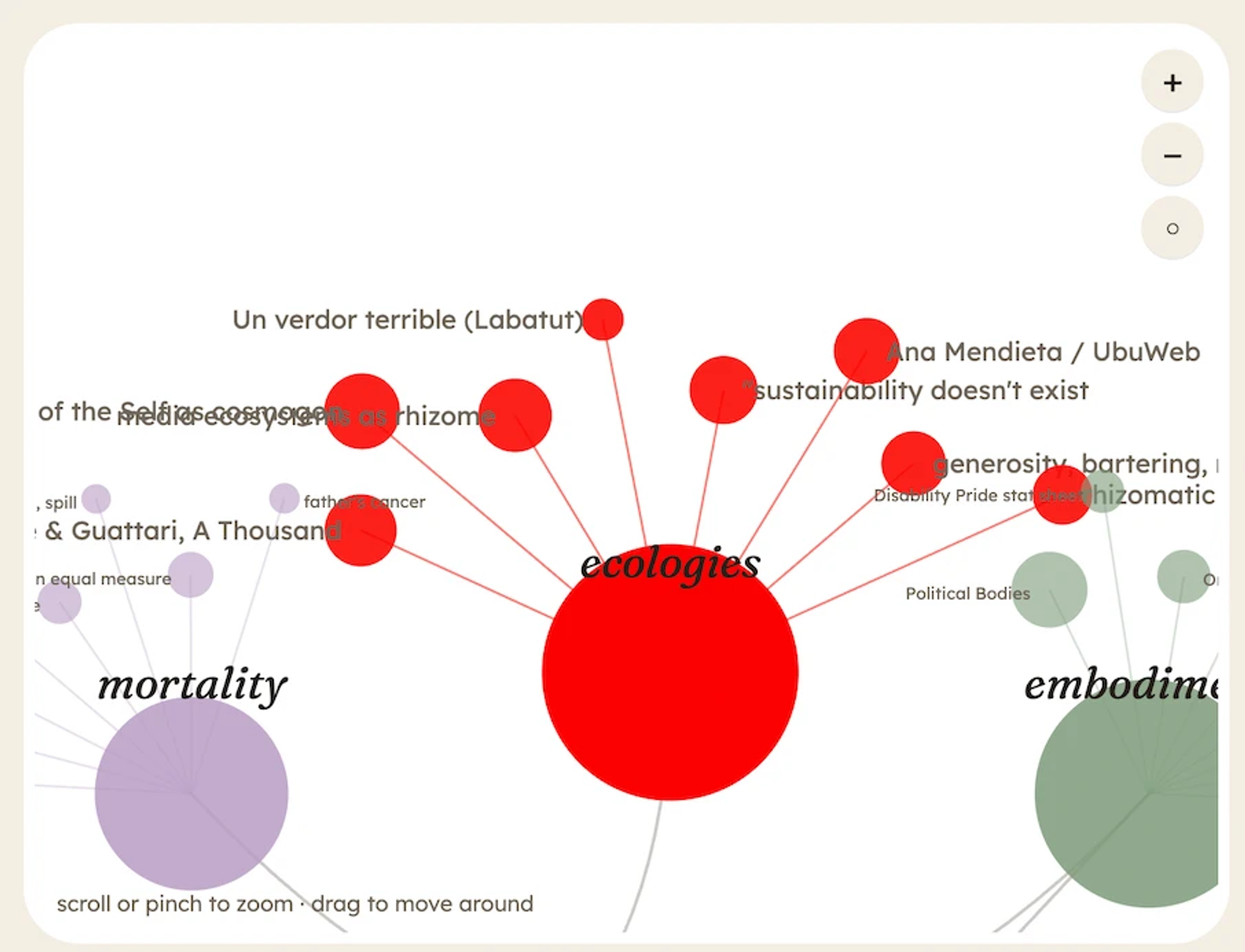
I realized I save so many things that I don’t go back to, so I wanted this to be a creative studio where I could revisit all of these ideas and connect them. I wanted to make the process of making connections easier and more generative.
On using Studio for the thinking and writing process
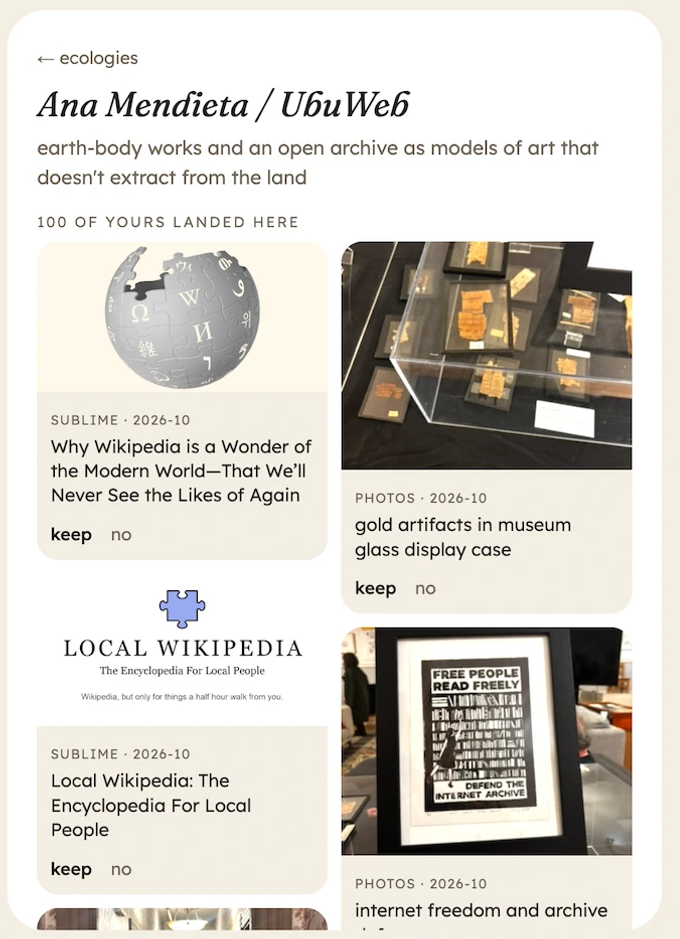
Mapu: I check [my Studio app] every day. I have it updating from my saved material in my Sublime, my Are.na, and my photos every two hours, I think. I have this thing where if I don’t see it, I forget it exists. I start working on my drafts directly here.
Jean: So your app selects something that you’ve saved and shows you randomly? To generate inspiration?
Mapu: Yes—for example, here’s a link that I saved—Local Wikipedia. Or, let’s see, a photo of a framed art installation with a mirror. I saved this a couple of days ago. Would I have gone back to this if this weren’t showing it to me? No!
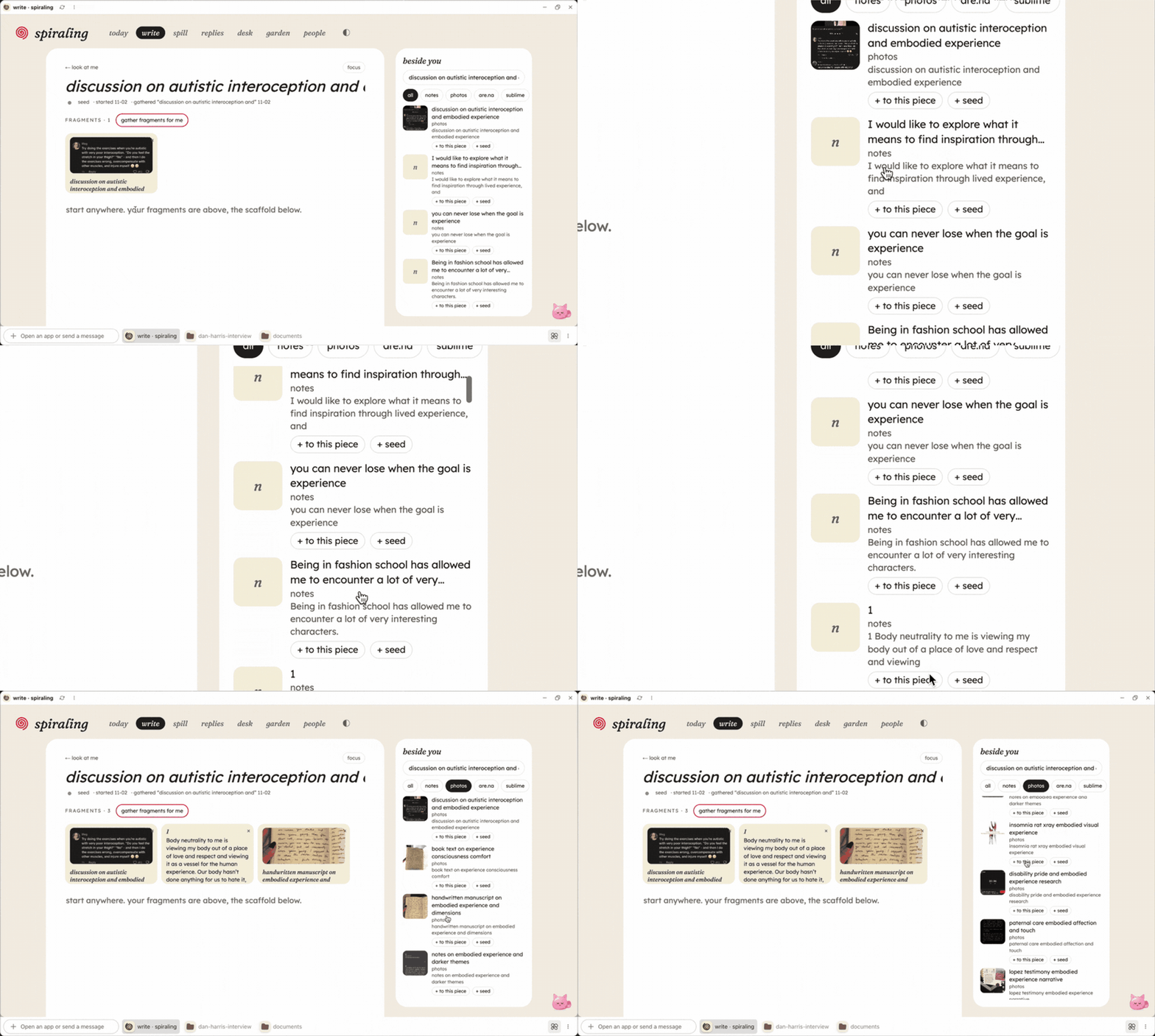
The Studio gathers fragments for me, reading my notes. I can click it to add it to this piece that I’m writing. And it generates connections and themes from all the other scattered things I’ve saved: autonomy, embodiment, daily life, writing. I want to write directly here and have all the bits of inspiration I’ve saved all in one place.
On creating something in Studio without being intimidated by the blank page
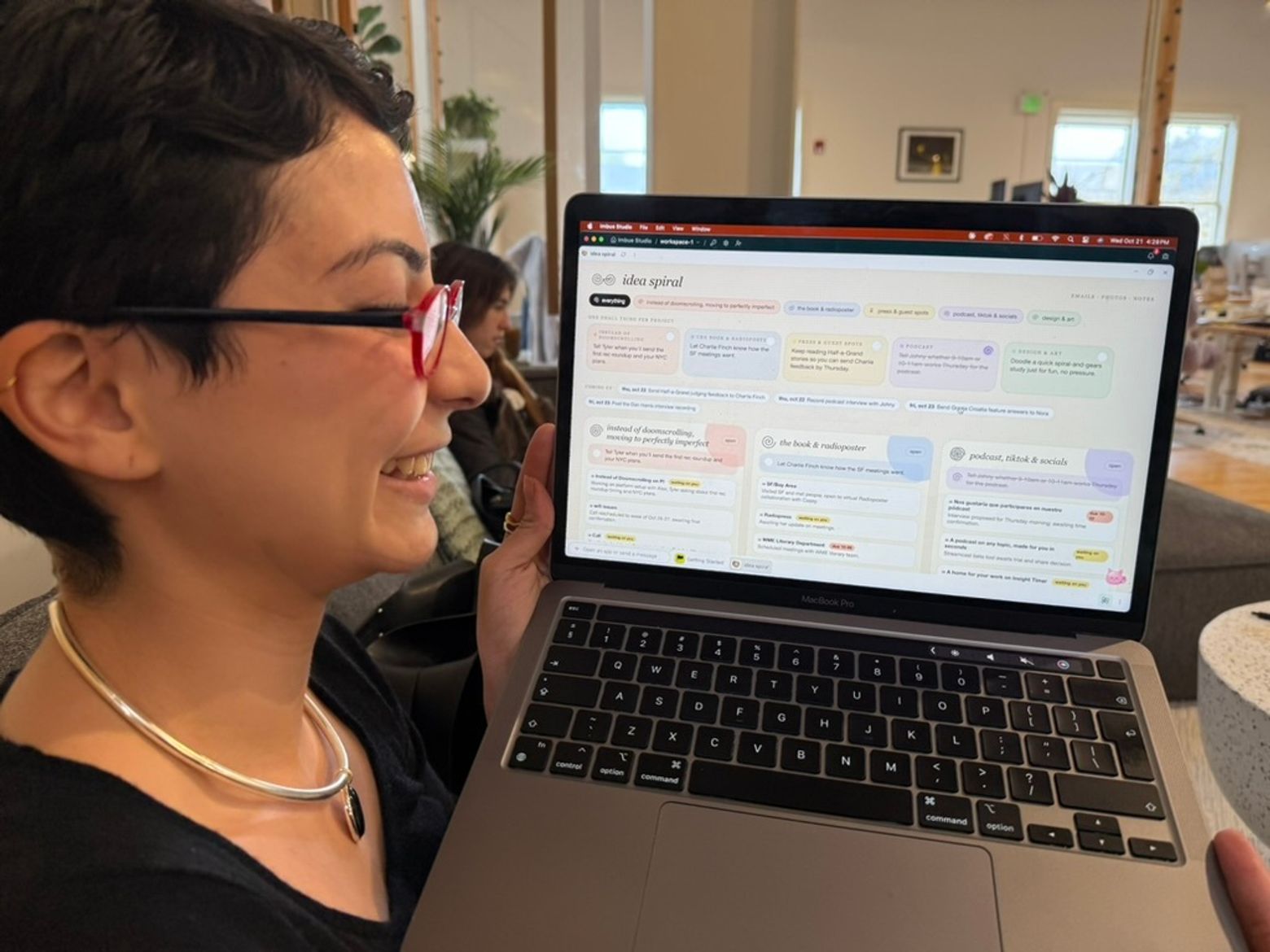
Mapu: I was basically ranting to [Studio]: I have a bunch of health issues, I don’t work on schedules, I work in terms of energy, and I need flexibility. I really struggle with keeping track of things.
Studio built something [from my prompt], and from that I thought, this is interesting. It gave me a few options, and I said, those are off, I think it’s more like this. Editing is always a lot easier for me than coming up with something, especially when it comes to systems.
On neurodivergence and iterating as part of her process
As Mapu is showing her Studio, she builds and tweaks it as she uses it and finds things she wishes were different:
Mapu: Now, for example, I wish I could see a preview [of what I’ve saved], so I tell Studio, can I see a preview?
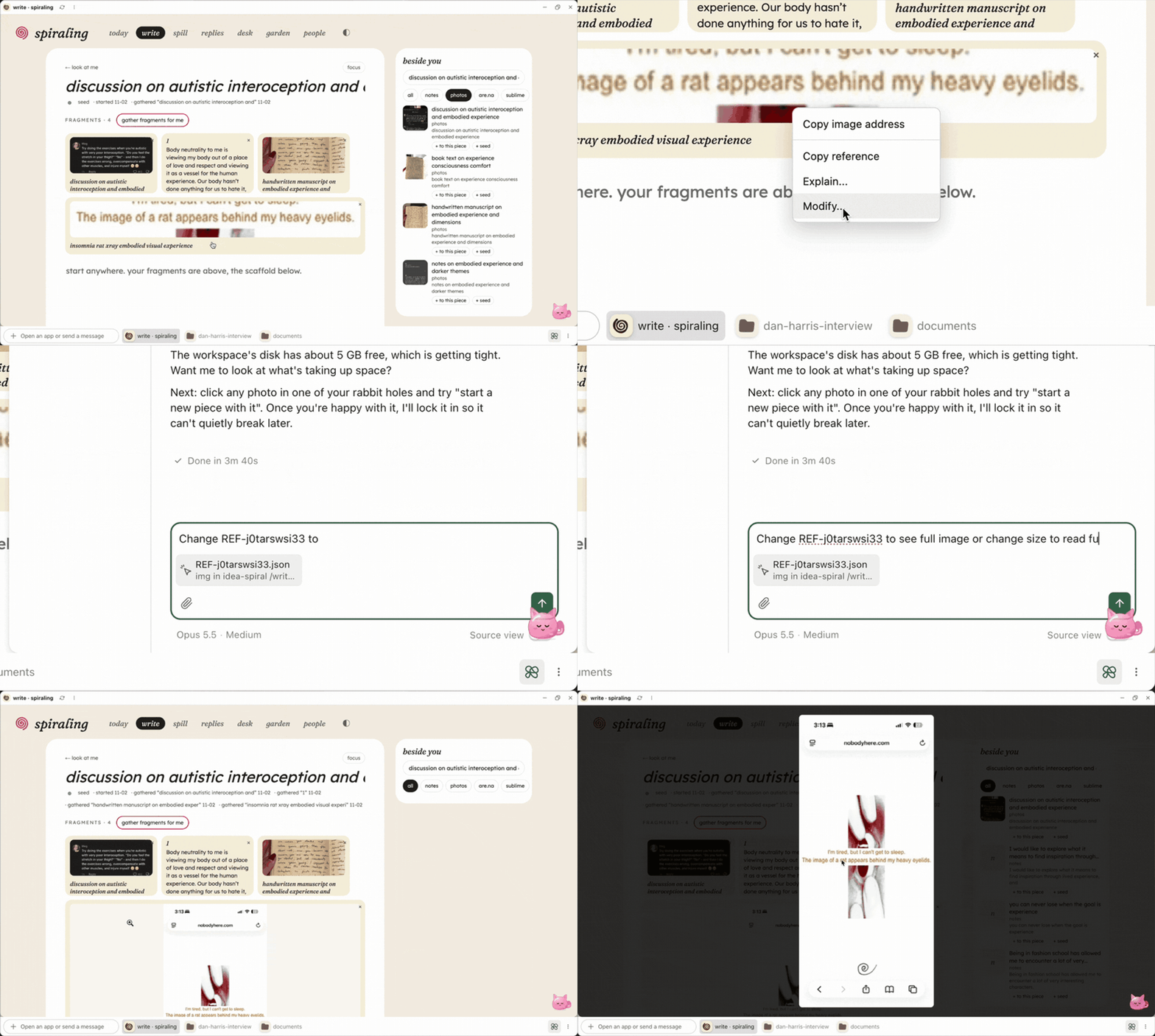
Or I want to make it copy to Personal Islands or Substack, let’s [prompt it and] see what that looks like. That’s seeing what your needs are as they start popping up. For me to get to this point has taken years of trial and error, and not trying to abide by someone else’s systems.
On using Studio to connect with others
Mapu: For example, here [in another tab of her Studio] I have people, and I can send them something that reminds me of them, drop it here. I saw this very specific thing because I thought of you, and I know you will care about it.
On what’s next for Studio
Mapu: I think Studio has so much potential to connect with people and to create your own space. I also want to make things with other people in mind who struggle the way I do, but maybe don’t have the capacity to build all of these crazy things. That’s why I think templates are a cool concept. I was also thinking of having a space you can visit. I wonder how it would look if we had a little city of Instead of Doomscrolling.
I think the most important thing right now is action. How can we make users active participants in the experience? We are passive consumers, not active participants. How can we make that shift, and how can we empower people to move toward action?
Thank you so much, Mapu! For more Mapu, check out her blog at Instead of Doomscrolling. (This interview has been condensed and edited for clarity.)
Nov 18 6pm · Personal Computing 2.0 Night: From Dream Machines to Reality
In 1974, Ted Nelson published Computer Lib / Dream Machines, a radical vision of personal computing that imagined computers as tools for human creativity and empowerment.
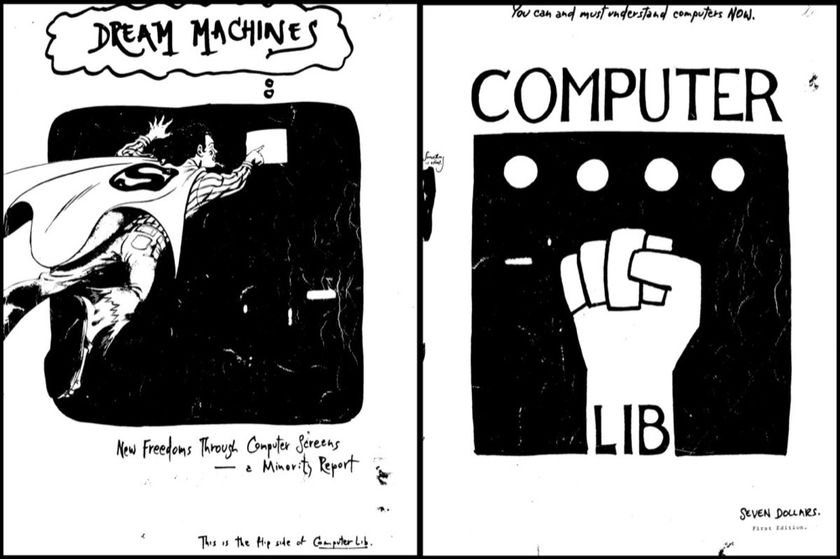
We have an original 1974 copy of Computer Lib / Dream Machines. So we’re using it as the starting point for a night dedicated to the past, present, and possible futures of personal computing.
The first half of the evening will be a salon exploring the ideas in the book. Then in the second half, everyone will have a chance to use Imbue Studio to build their own dream machines. Join us on Nov 18, from 6-9:30 pm, in our SF office!
A science project of sorts
Join our Discord for questions, bugs, and general community.
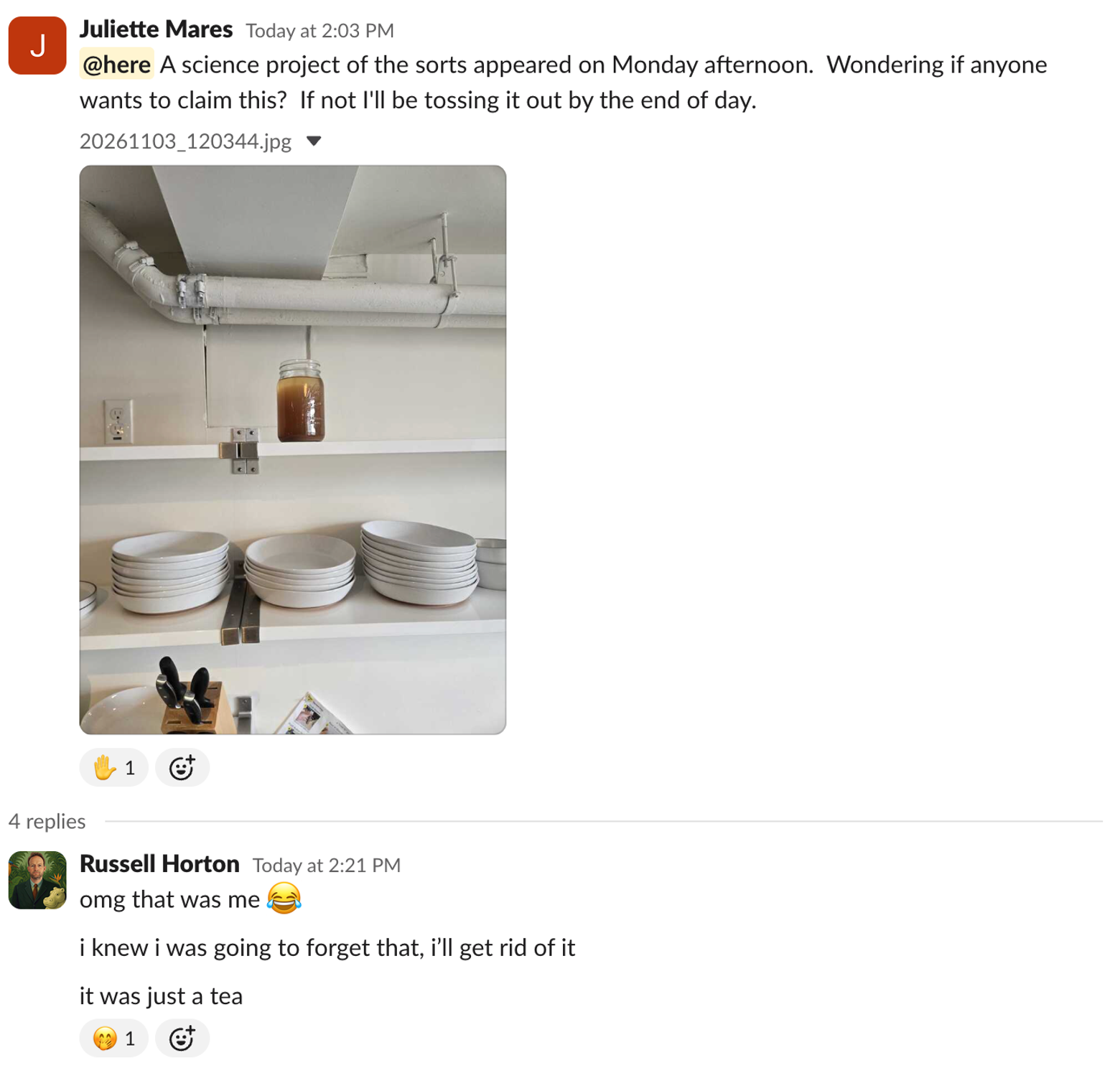
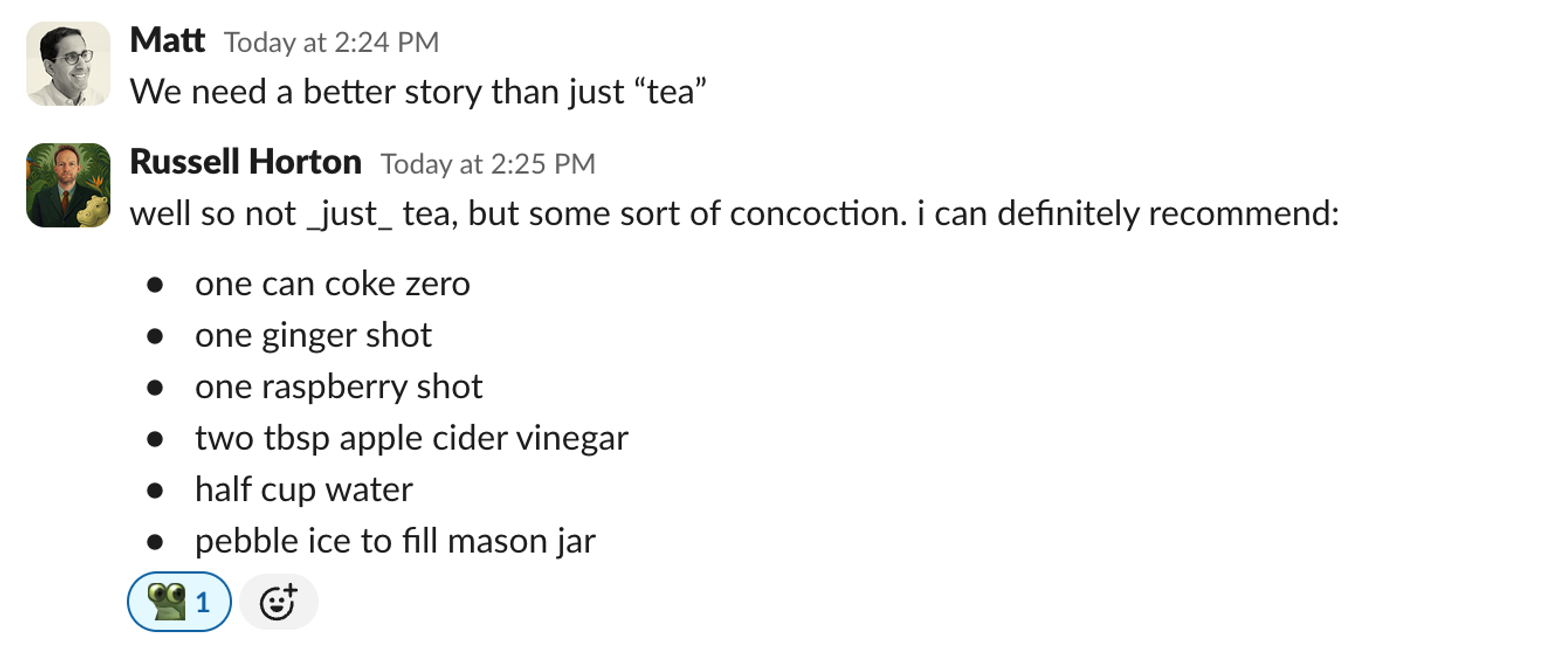
Submit your Studio creations for our weekly spotlight—tag us @imbue_ai on Twitter or @imbue.dev on Instagram with what you build in Studio. Or tell us if you try Russell’s “tea.”
Till next time,
Jean from Imbue