
Changelog
Upload images + Haiku 4.5
You can now upload images to agents in Sculptor and agents will be able to see them (in full resolution)!
Thanks to @Bryden, and everyone on Discord who requested this feature @sleepingsheep @gloomy @justuseapen @CMyNerd :)
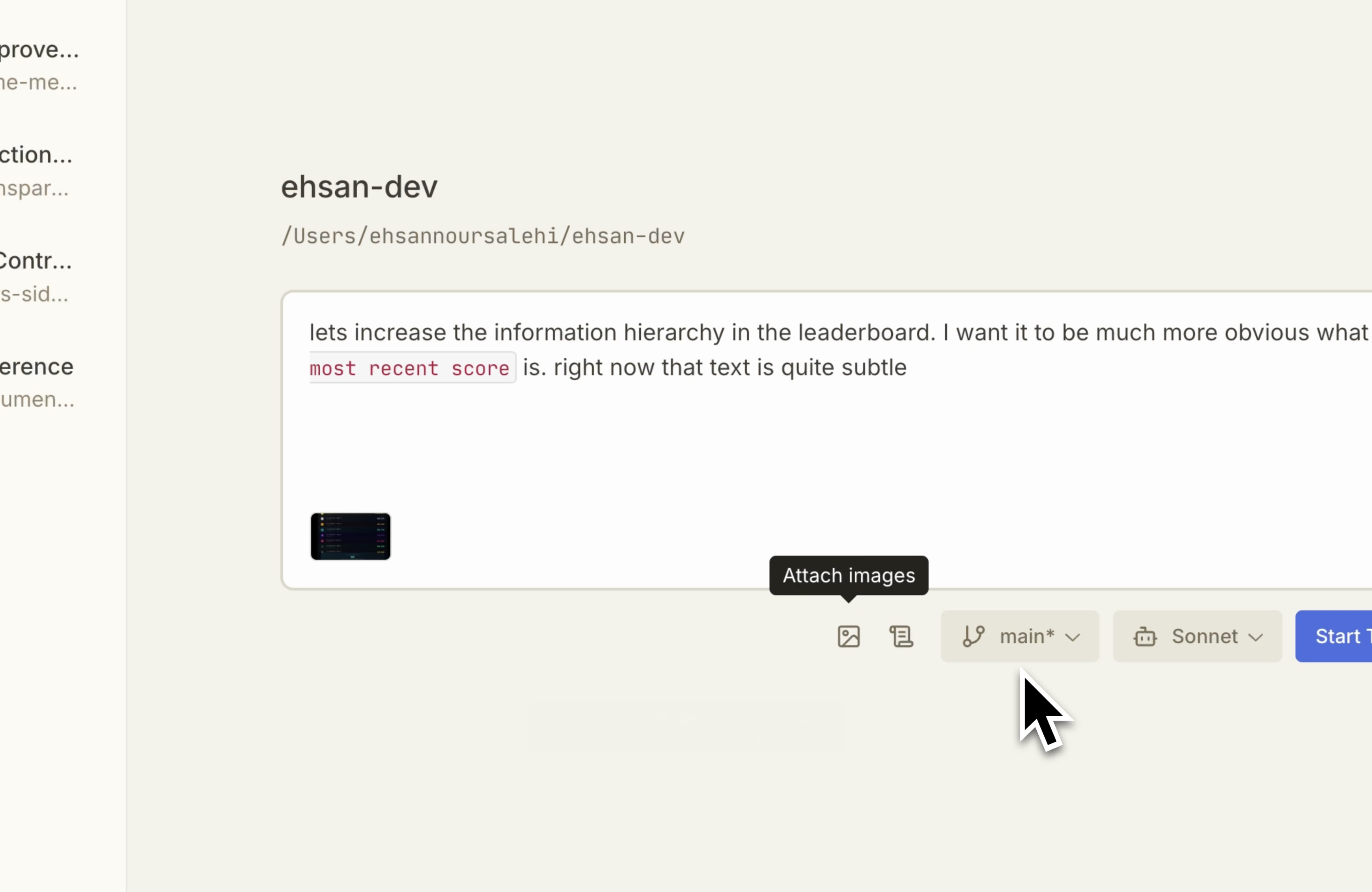
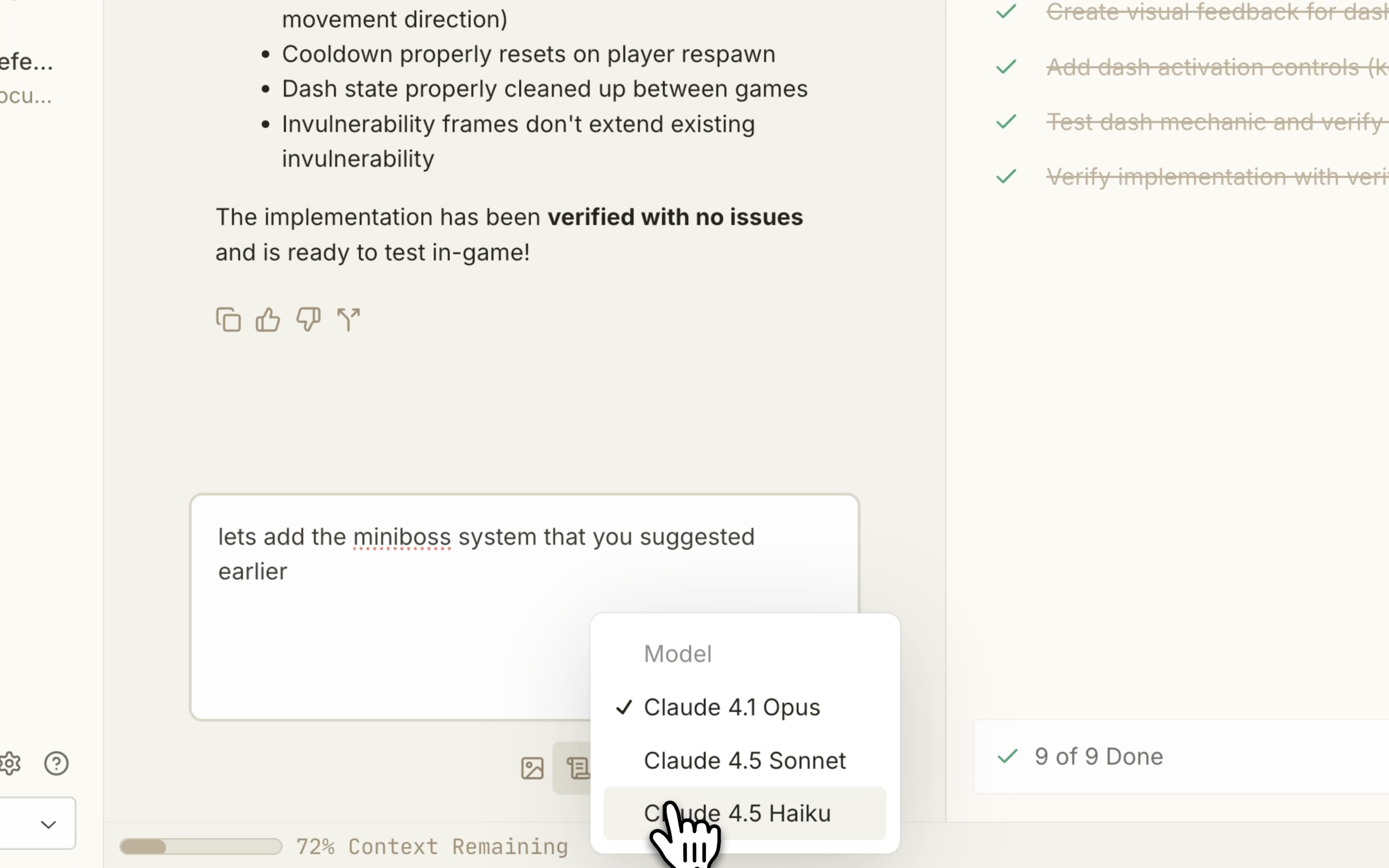
We’ve also added support for Haiku 4.5, so you can write code at 1/3 the cost and 2x the speed 🔥 @Sam E
Improvements & Fixes
- Fixed frontend UI flickers 🙏🏻 @Guinness
- Improved tracking for .gitignored files to speed up Pairing Mode start ✨ @Maciek
- Fixed task crashes when forking 🎉 @Guinness
- Reduced volume of log uploads to Sentry for bug reporting 💎 @Maciek
Faster startup time
We’ve sped up the Sculptor app startup time! Sculptor should now just take a few seconds to start. If you’re downloading an update, it’ll take a bit longer.
Improvements & Fixes
- More reliable Docker detection and warnings when Docker is disconnected — Sculptor should no longer crash when your Docker is disconnected.
- Fixed shutdown edge cases (threads, tmux session, nginx handle) so quitting Sculptor doesn’t leave orphan processes.
Forking agents!
You can now fork Claude Code agents with Sculptor!
Spin off a new agent from any message in your chat — it keeps all prior context.
Forking lets you share feature context across multiple agents, evaluate multiple libraries for the same task, and save money by reusing context.
<include image / video>
Our favorite Forking workflows:
- Curate clean context in one agent, then branch off new ones that reuse it.
- Try the same task multiple ways. Then, pick your favorite and merge!
- Fork to recover an agent when context gets messy — like when debugging derails your feature work.
Remove repositories
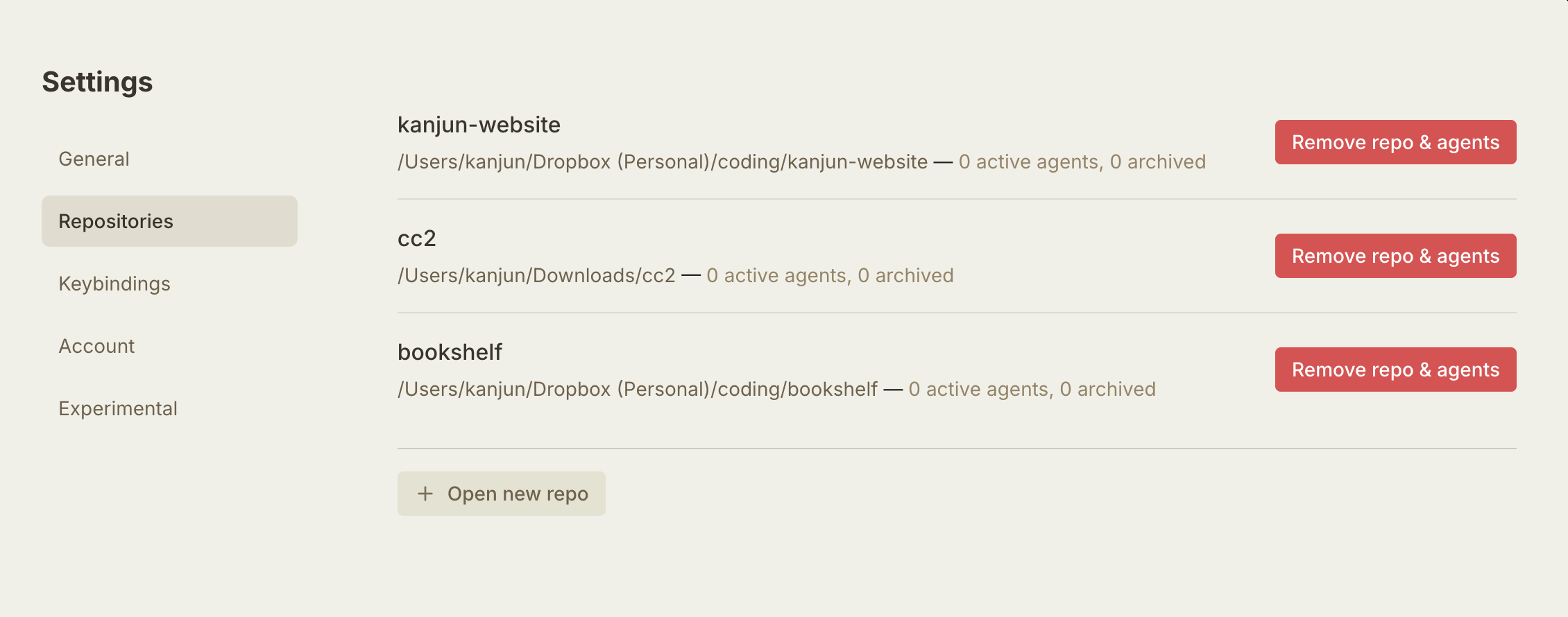
You can now remove repositories from the Sculptor app — just go to Settings → Repositories and remove the repo.
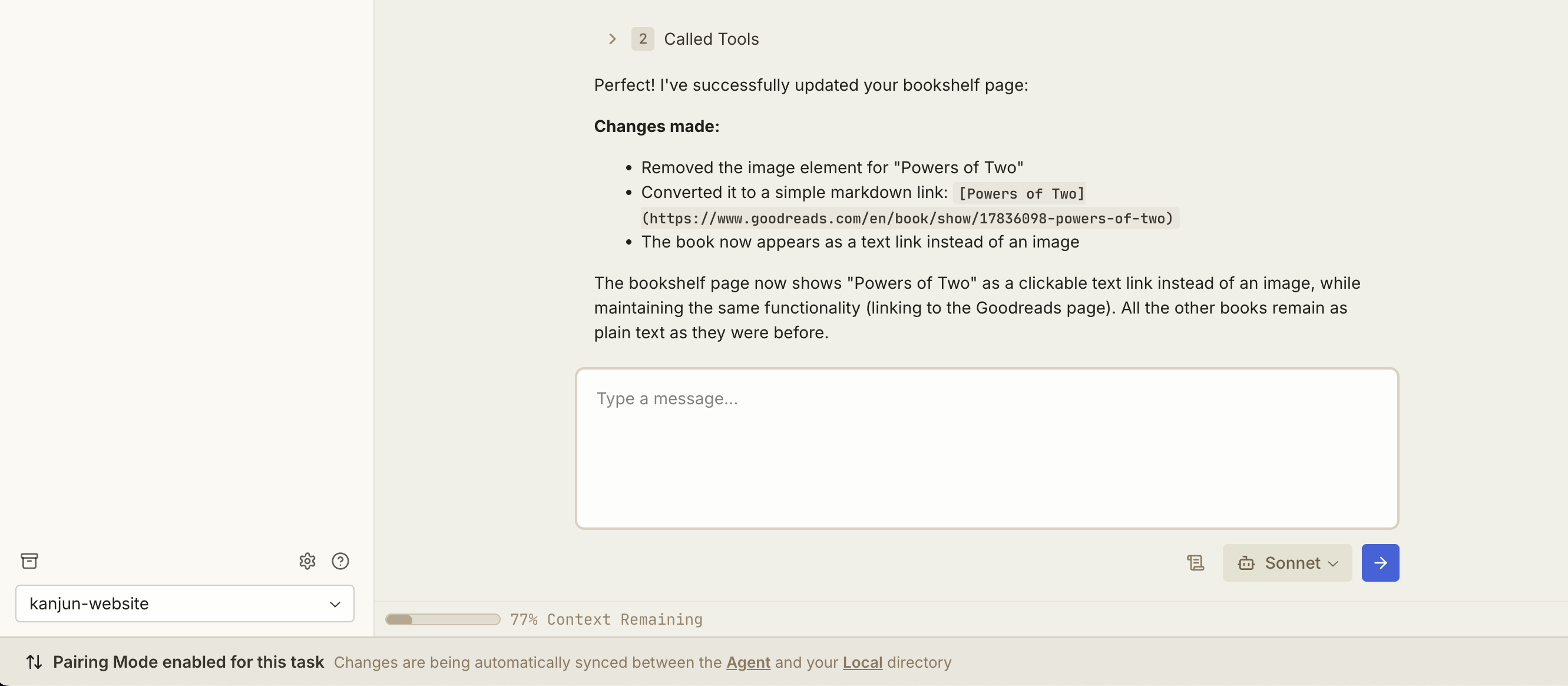
Pairing Mode footer status
You can now see when Pairing Mode is on for an agent, no matter which agent you’re looking at.
Keyboard shortcuts
Now you can start a new task using CMD+N, and search with CMD+P.
Pairing Mode is live!
Desktop app for Mac (Apple Silicon)!
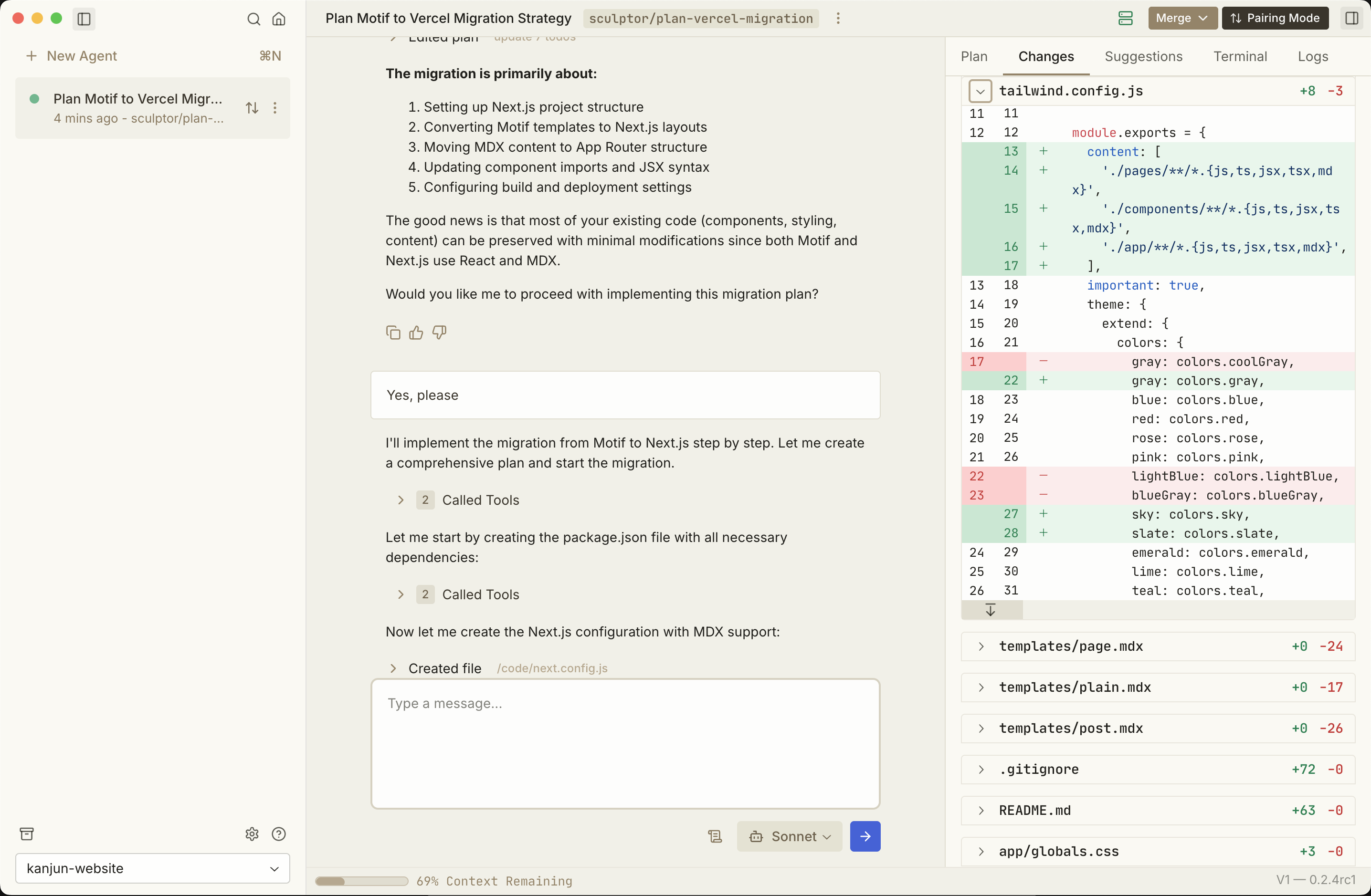
Sculptor is now a desktop app, so you can easily alt-tab to it!
New Features
- Added bundled Mutagen for improved file synchronization
- Added external link handling capabilities
- Added comprehensive desktop application documentation
Improvements
- Enhanced configuration system with per-user settings support
- Enhanced local sync with safer initialization and error handling
- Improved local sync testing infrastructure for better reliability
- Removed repository state caching for improved performance
- Eliminated force fetching to prevent unnecessary git operations
- Improved sync button organization with better data flow
- Enhanced commit notifications for better collaboration
Fixes
- Fixed critical snapshot functionality to prevent agent state corruption
- Fixed git reflog handling preventing repository corruption
- Fixed desktop application title bar display issue
- Fixed header display issues in UI
Context compaction
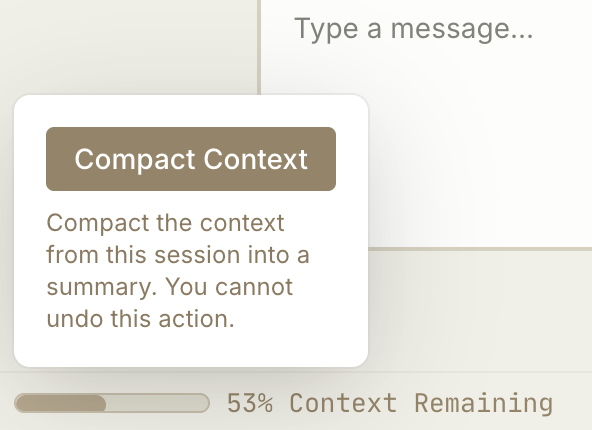
Now you can selectively compact an agent’s context when you’re running low.
What’s new
- You can one-click copy your own messages from chat to reuse prompts without retyping
- Empty states for Plan/Suggestions make it more clear what to expect before results arrive
- The system prompt now tells Claude it runs inside a container so it won’t install dependencies and think they’re on your machine
Fixes
- A regression that broke @-mentions is fixed
@mention files + folders
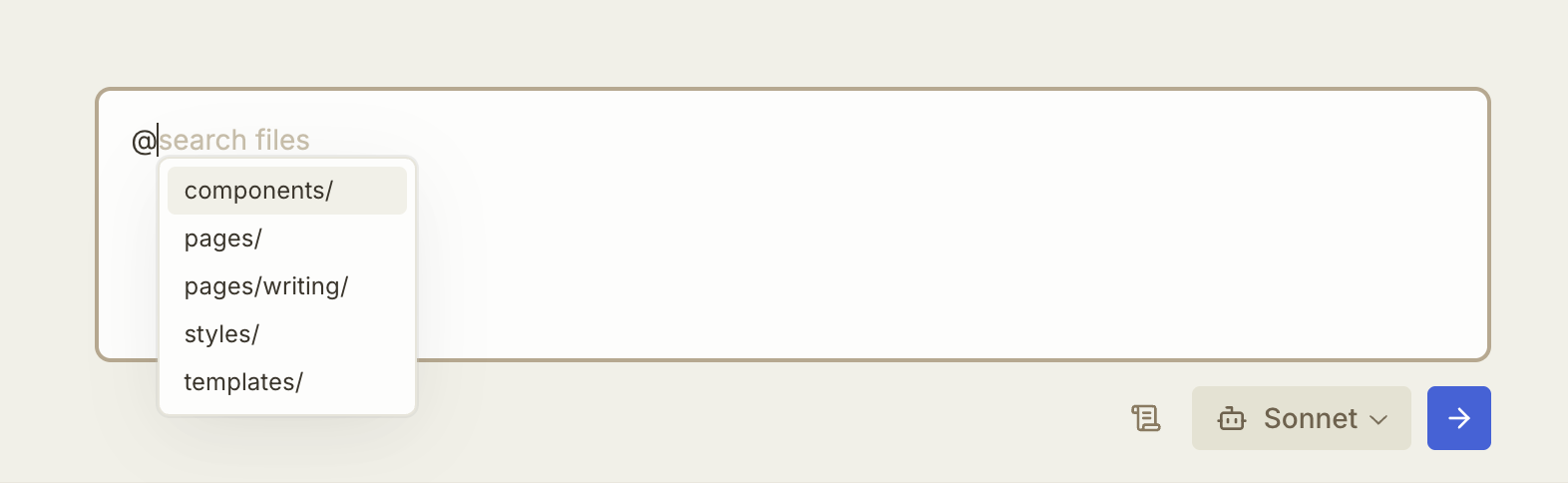
You can now @mention files and folders in your repo from chat, so the agent knows to look at them!
Improvements
- You can now create a new task directly from the chat view
- Pairing Mode now pauses when you don’t have the agent’s branch checked out locally, so you can avoid weird local git states
Fixes
- Resolved a rare crash condition due to heavy file operations
Large diffs now load fast
Now you can open huge diffs without waiting—content streams in progressively so you can begin reviewing instantly.
Improvements
- Links in the Chat view now open in new tabs
- Added dialog to show you what data we collect when you give feedback on tasks for increased transparency
- Task startup time reduced by ~2 seconds with smarter Docker caching
Fixes
- Tasks now start reliably even if your repo is empty
Write Markdown in chat
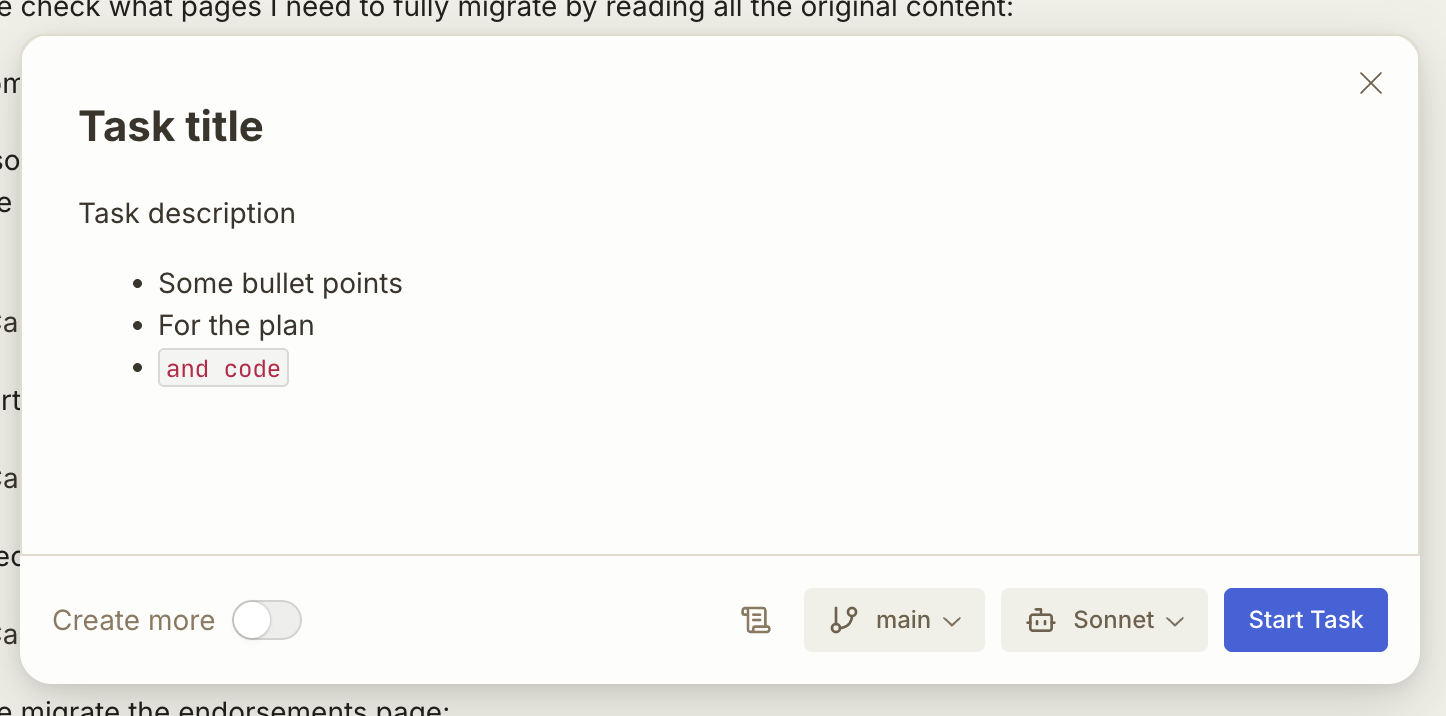
You can now write Markdown when chatting with the agent. Paste in Markdown or code and it’ll stay readable.
Improvements
- You can now give a quick 👍 or 👎 on tasks to share feedback on the agent’s work
- Docker errors are now classified and shown more clearly, so you know what went wrong with the container
Fixes
- Welcome messages now display properly when you rtask list is empty
- UI rendering bug that caused freezing is fixed
Start agents from any branch
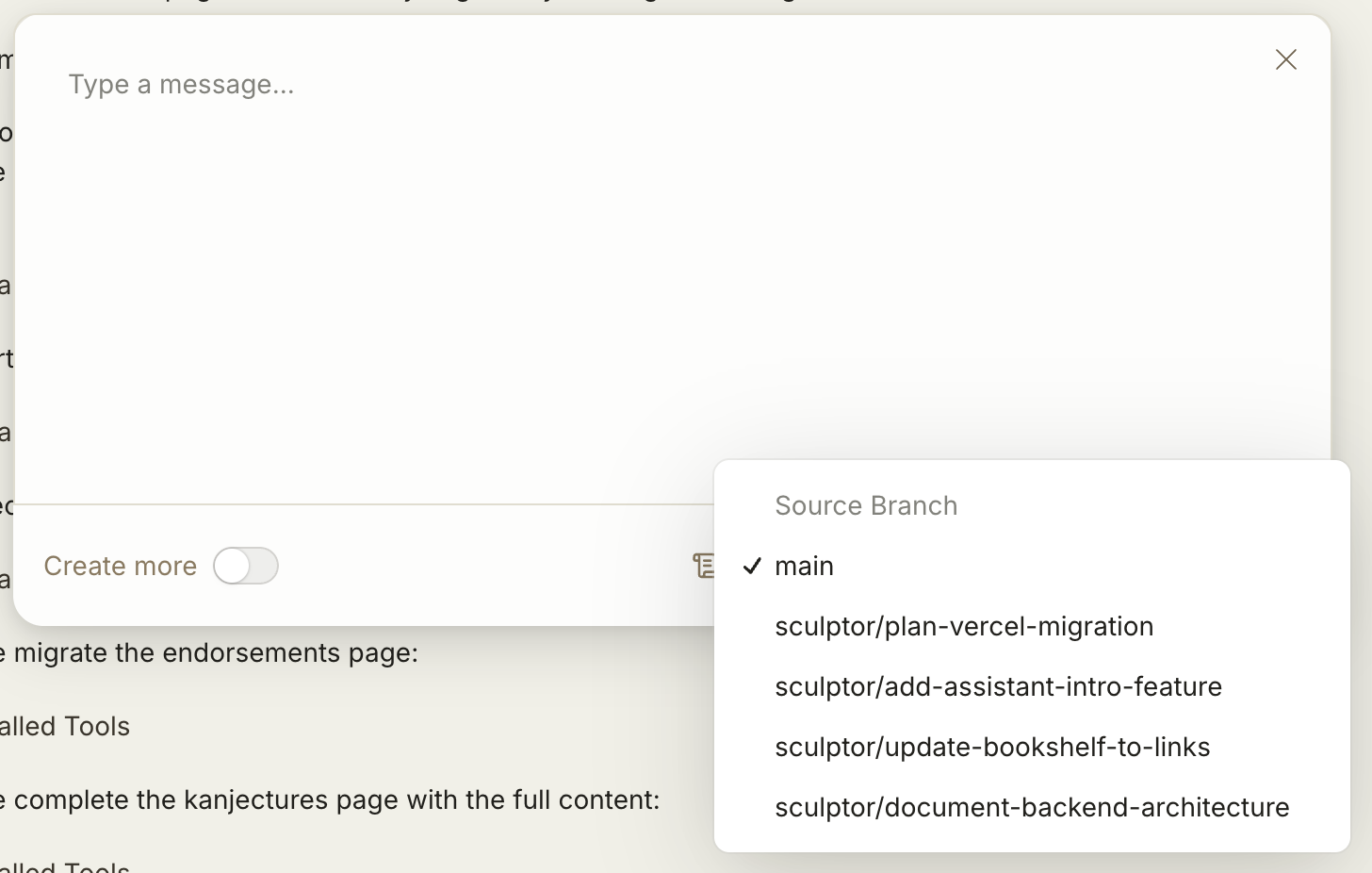
You can now spin up agents off any local branch—not just main—using the branch selector when starting a task.
Highlights
- The chat layout is reordered to Plan → Changes → Suggestions → Log for a more natural workflow
- Your draft messages are now saved even when you switch away from the task
- You can now retry agent tasks when they fail
Fixes
- Script execution is sandboxed more robustly so failures are surfaced without breaking the container
- Fixed bugs that prevented you from stopping an agent’s work mid-stream